Landing Page Optimization Checklist for PPC
A 15-point landing page optimization checklist for PPC managers. Fix message match, CTA alignment, and mobile issues before your next campaign.
You're spending $5,000/month on Google Ads. Your CTR is 4.2%. Clicks are coming in. But your conversion rate sits at 1.1% and your client is asking why. The answer is almost always the landing page.
I've audited over a hundred PPC campaigns in my career as a product manager working alongside PPC teams, and I keep finding the same landing page problems over and over. Not obscure technical issues. Basic stuff: headlines that don't match the ad, CTAs buried below the fold, mobile layouts that break on Samsung devices. This checklist covers what actually matters.
Why Do Most PPC Landing Pages Underperform?
Most PPC landing pages fail because nobody checks them against the ad that sends traffic to them. The ad promises one thing, the page shows another, and the visitor bounces within 3 seconds. Google calls this "landing page experience" and it directly affects your Quality Score, your CPC, and your ad rank.
According to Google's own documentation on Quality Score, landing page experience is one of three core components (alongside expected CTR and ad relevance). A poor landing page experience can drop your Quality Score from 7 to 4, which roughly doubles your cost per click.
But Quality Score aside, the real cost is lost conversions. A visitor who clicked your ad already showed intent. They were interested. If they bounce, you paid for that click and got nothing.
Here's what I check every time.
Does Your Landing Page Headline Match Your Ad Headline?
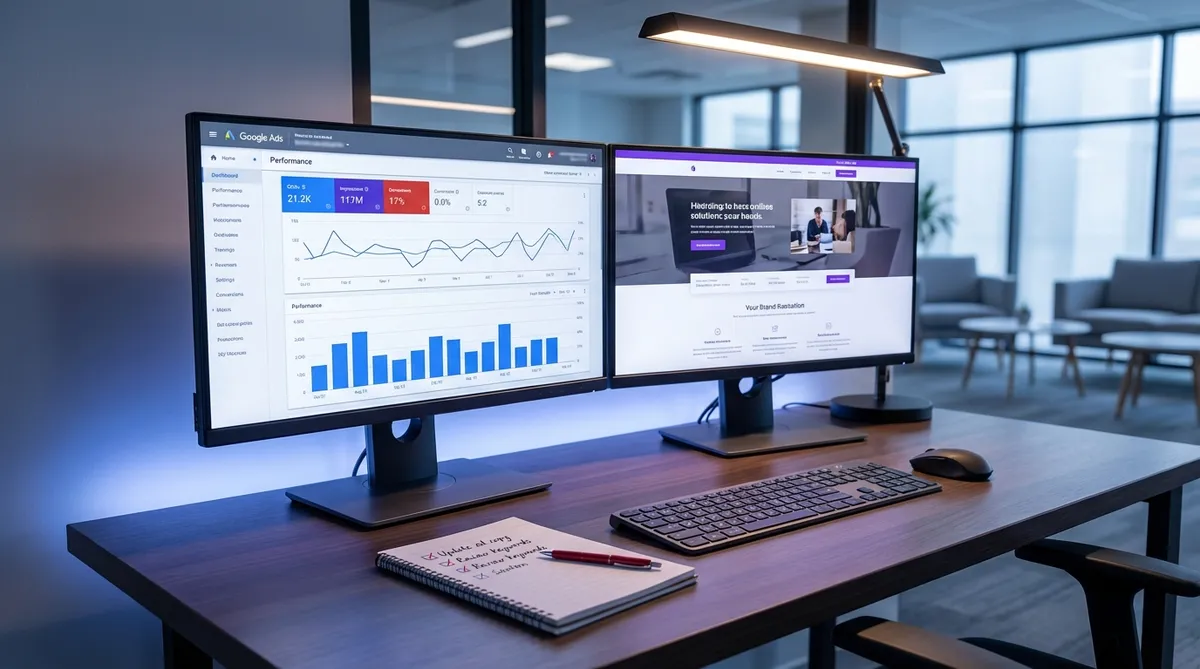
This is the single highest-impact item on this checklist. When someone searches "best project management software for small teams," clicks your Responsive Search Ad promising "Project Management for Small Teams — Free Trial," and lands on a page that says "Welcome to Our Platform" — they leave.
The fix takes five minutes. Open your ad in Google Ads Editor, copy the headline, and compare it word-for-word with your landing page H1. They don't need to be identical, but the core promise must carry through.
What "match" actually means:
- Exact match: Ad says "50% Off Running Shoes" → LP headline says "50% Off Running Shoes" (best for promotions)
- Thematic match: Ad says "Project Management Made Simple" → LP says "The Simplest Way to Manage Projects" (acceptable)
- Mismatch: Ad says "Affordable CRM" → LP says "The Complete Business Suite" (this kills conversions)
If you're running Responsive Search Ads with 15 headlines, check the combinations Google actually serves. Go to Ads & Extensions → hover over the ad → View asset details. The headline combos Google shows most often should match your LP.
Tools like PageMatch can score this match automatically, but even a manual side-by-side comparison catches the worst offenders.
Is the Same Offer Visible on Both the Ad and the Page?
If your ad mentions a price, discount, free trial, or specific feature — that exact offer must appear on the landing page above the fold. No scrolling required. No clicking "See Pricing" to find it.
I see this constantly in my work with PPC teams. A PPC manager creates an ad with "Starting at $29/month" because it performs well in testing. The product team changes pricing to $39/month. Nobody updates the ad. Or worse — the ad still says $29, and the LP says $39, and the visitor feels tricked.
As of March 2026, Google's Performance Max campaigns make this even harder to track because Google auto-generates ad variations. Check what's actually being served, not just what you wrote.
Quick audit process:
- Search your own keyword in an incognito window
- Screenshot the ad exactly as it appears
- Screenshot your landing page above the fold
- Put them side by side
- Circle every claim in the ad. Is each one visible on the page?
When I ran my own Shopify store and launched ads, I learned this the hard way. I'd update my product pages with new pricing or seasonal offers but forget to update the corresponding ad copy. The disconnect between what the ad promised and what the page showed was costing me conversions I didn't even realize I was losing.
Does Your CTA Match the User's Intent?
Your ad targets "buy running shoes online" but your landing page CTA says "Subscribe to Our Newsletter." This sounds absurd, but I see versions of this mismatch in about 40% of the accounts I review.
Match the CTA to the search intent:
| Search Intent | Ad Promise | Wrong CTA | Right CTA |
|---|---|---|---|
| Transactional ("buy X") | "Shop Now" | "Learn More" | "Add to Cart" |
| Commercial ("best X for Y") | "Compare Plans" | "Sign Up Free" | "See All Plans" |
| Informational ("how to X") | "Free Guide" | "Buy Now" | "Download Free Guide" |
| Local ("X near me") | "Visit Us Today" | "Shop Online" | "Get Directions" |
The CTA button itself matters, but so does where you place it. For transactional searches, the primary CTA should be visible without scrolling. For informational intent, it's OK to educate first and place the CTA lower.
Is Your Page Loading in Under 3 Seconds on Mobile?
Google's research shows that 53% of mobile visitors abandon a page that takes longer than 3 seconds to load. For PPC traffic, you paid for every one of those abandoned visits.
Run your landing page through PageSpeed Insights (pagespeed.web.dev). Focus on these Core Web Vitals as of March 2026:
- LCP (Largest Contentful Paint): Under 2.5 seconds. This is usually your hero image or headline block.
- INP (Interaction to Next Paint): Under 200ms. Replaced FID in March 2024.
- CLS (Cumulative Layout Shift): Under 0.1. Nothing should jump around as the page loads.
Common fixes that take under an hour:
- Compress hero images to WebP format (TinyPNG or Squoosh)
- Lazy-load images below the fold
- Remove unused JavaScript (especially third-party chat widgets and analytics scripts you forgot about)
- Use a CDN if you aren't already (Cloudflare's free tier works fine)
Are You Running the Same Page on Mobile and Desktop?
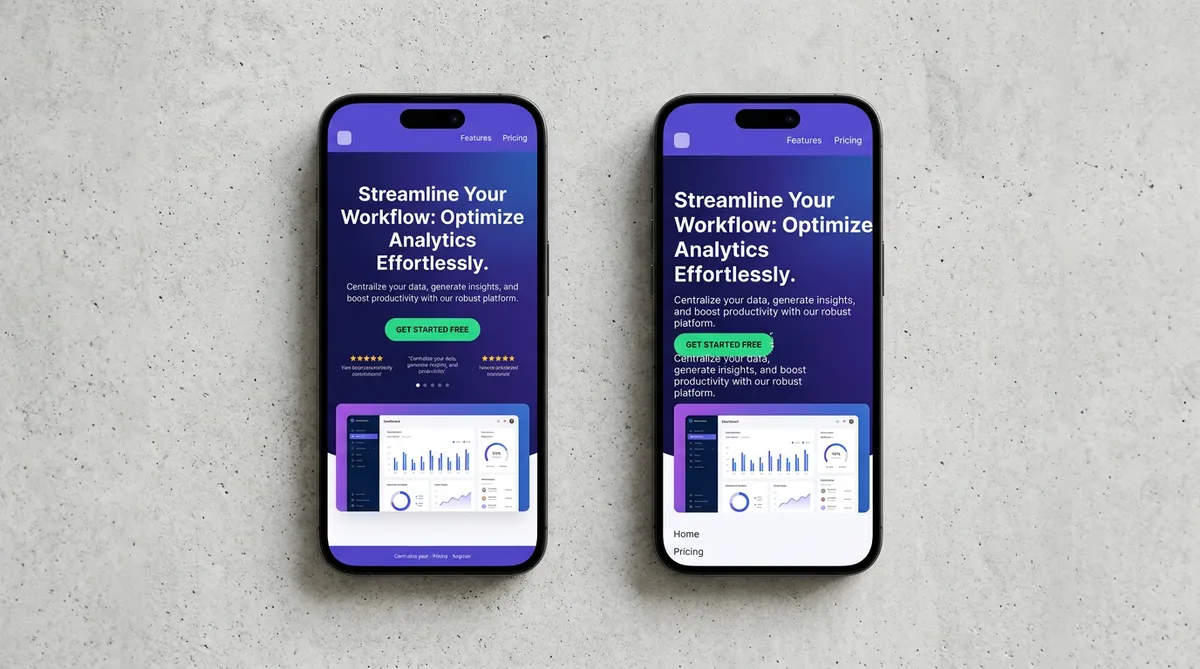
Open your landing page on your phone. Actually do it. Don't just use Chrome DevTools responsive mode — use your actual phone, because DevTools doesn't catch touch target issues or real-world rendering bugs.
Things to check on mobile:
- Can you tap the CTA button with your thumb without accidentally hitting something else?
- Is the phone number clickable (tel: link)?
- Does the form work? Fill it out on mobile. Every field.
- Is the hero image cropped weirdly on smaller screens?
- Does any text overflow its container?
I worked with a PPC manager who couldn't figure out why a campaign had a 3.8% conversion rate on desktop but 0.4% on mobile. We opened the landing page on an iPhone 14 and the "Get Quote" button was hidden behind a sticky header. Seven weeks of mobile ad spend, wasted.
Does Your Landing Page Have Too Many Exit Points?
Your landing page should have one job: convert the visitor. Every navigation link, footer link, social media icon, and "Read Our Blog" button is an exit point that competes with your CTA.
For dedicated PPC landing pages (not your homepage), remove:
- The main navigation bar (or at least minimize it)
- Footer links (keep only legal requirements: privacy policy, terms)
- Social media links
- "Related products" sections
- Any link that doesn't lead to conversion
Unbounce, Instapage, and Leadpages all default to navigation-free landing page templates for this reason. If you're sending PPC traffic to a regular website page, you're competing against your own navigation menu.
Is Your Form Asking for Too Much?
Every additional form field reduces conversions. This isn't opinion — it's been tested thousands of times. Marketo's research showed that reducing form fields from 9 to 5 increased conversions by 34%.
For lead gen landing pages, ask yourself: what's the minimum information needed to follow up?
- Too much: Name, email, phone, company, company size, industry, budget, timeline, how did you hear about us
- Right amount: Name, email, one qualifying question
If your sales team insists they need all that data, collect it on the thank-you page or in the first follow-up email. Get the lead first.
Are You Using Dynamic Text Replacement?
If you're running campaigns with multiple ad groups targeting different keywords, Dynamic Text Replacement (DTR) is not optional. It automatically swaps your landing page headline to match whatever keyword the visitor searched.
Without DTR, you need a separate landing page for every ad group. With DTR, one page adapts to each search query.
Example: Your base headline is "Best {keyword:CRM Software} for Small Business"
- Someone searches "CRM software" → sees "Best CRM Software for Small Business"
- Someone searches "sales tracking tool" → sees "Best Sales Tracking Tool for Small Business"
Unbounce and Instapage have DTR built in. If you're on a custom-built landing page, you can implement it with a simple JavaScript snippet that reads the UTM parameters.
Does Your Landing Page Have Social Proof?
Visitors from PPC ads are often cold traffic. They don't know you. Social proof — testimonials, logos, review counts, case studies — reduces the perceived risk of converting.
Effective social proof for PPC landing pages:
- Specific testimonials: "We reduced our CPA by 34% in 6 weeks" beats "Great product!"
- Logo bars: If enterprise clients, show logos (with permission)
- Review aggregates: "4.8/5 from 2,340 reviews on G2" with the G2 badge
- Trust signals: Security badges, money-back guarantees, "No credit card required"
Place at least one piece of social proof between your headline and your CTA. And one more right below the CTA as a reassurance element.
Are You Tracking the Right Conversion Events?
You can't optimize what you don't measure. And I regularly see accounts where the Google Ads conversion tracking is either broken, double-counting, or tracking the wrong action.
Check these in Google Tag Manager or your tag setup:
- Is the conversion tag firing on the thank-you page (not the form page)?
- Is it firing only once per session, or does every page refresh count as a conversion?
- Are you tracking micro-conversions (scroll depth, video plays, PDF downloads) separately from macro-conversions (form submissions, purchases)?
- Does the conversion value match your actual revenue or lead value?
Open Google Ads → Tools → Conversions. Click each conversion action. Check the counting method (one vs. every), the attribution model, and the conversion window. Misconfigured conversion tracking makes your CPA data unreliable, which means every optimization decision you make is based on wrong numbers.
What's the Full 15-Point Checklist?
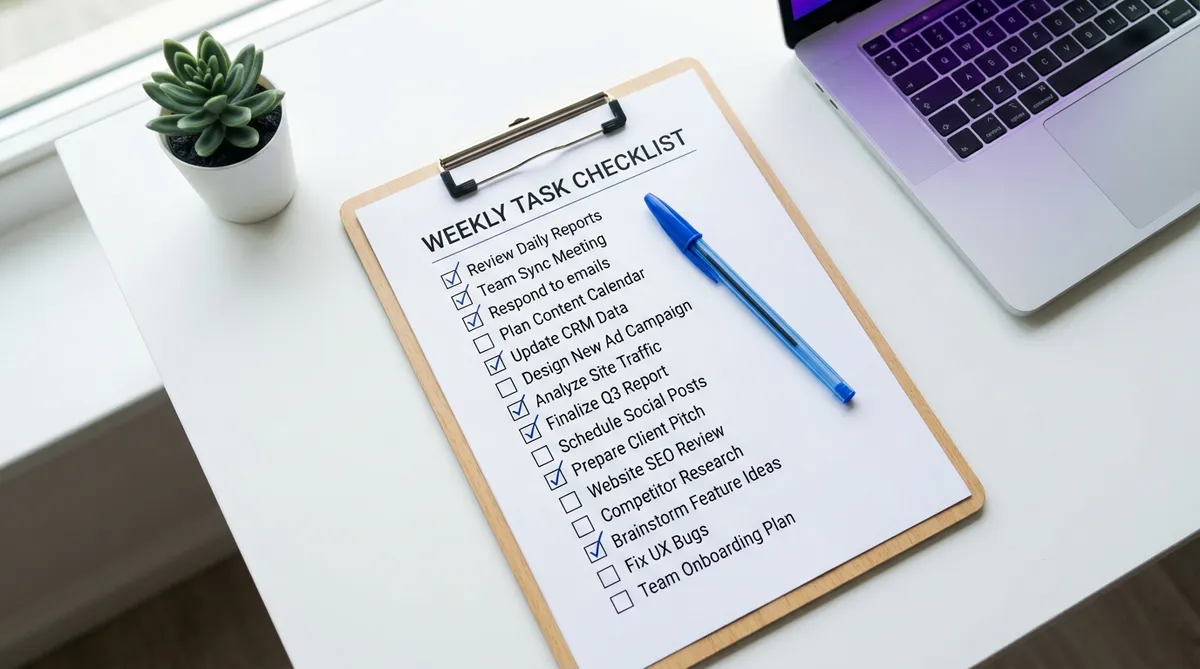
Here's everything in one place. Print it. Use it before every campaign launch.
Message Match (Points 1-3):
- Headline on LP matches the ad headline
- Offer/price/discount on LP matches the ad
- CTA matches the search intent
Technical (Points 4-6): 4. Page loads under 3 seconds on mobile (check PageSpeed Insights) 5. Mobile layout works on actual devices (not just DevTools) 6. All forms work and submit correctly on mobile
Conversion Architecture (Points 7-9): 7. Navigation and exit links removed or minimized 8. Form fields reduced to essential minimum 9. Dynamic Text Replacement active for multi-keyword campaigns
Trust & Proof (Points 10-12): 10. Social proof visible above the fold 11. Trust badges near the CTA 12. Specific testimonials (with numbers, not generic praise)
Tracking & Analytics (Points 13-15): 13. Conversion tag fires correctly (test it yourself) 14. No double-counting conversions 15. Micro and macro conversions tracked separately
Skip any one of these, and you're probably leaving money on the table. Skip three or more, and I'd bet your CPA is at least 30% higher than it should be.
How Do You Audit This Quickly?
Running through this checklist manually takes about 30-45 minutes per landing page. If you manage 5-10 clients, that's half a day just on audits.
I built PageMatch specifically because I was tired of doing this manually. You enter your keywords, upload your ad creative, paste your landing page URL, and get a Match Score from 0 to 100 with specific recommendations. The message match calculator handles items 1-3 on this list automatically.
But whether you use a tool or do it yourself, the important thing is that you actually do the audit. Most PPC managers spend 90% of their time on bid strategy and keyword research, and 10% on the landing page. Flip that ratio. The landing page is where money turns into conversions — or doesn't.
If you want to see how your current landing pages score, try a free report. One analysis, no signup required. It won't catch everything on this checklist, but it'll flag the biggest mismatches fast.
Key takeaway: Your ads can have perfect targeting and strong CTR, but if the landing page doesn't match what the ad promised, you're paying for clicks that never convert. Run this checklist before every campaign launch. Fix the mismatches first — they're almost always the cheapest, fastest conversion wins you'll find.
Founder & Product Manager
Product Manager with 6+ years of experience in FinTech, SaaS, and B2B/B2C digital products. Built PageMatch to solve the ad-to-page alignment problem that wastes billions in PPC ad spend.
Ready to improve your ad-to-page alignment?
PageMatch analyzes your ads and landing pages, then tells you exactly what to fix.
Try PageMatch FreeRelated Articles
PPC Landing Page Design: What Works in 2026
Practical PPC landing page design patterns that convert in 2026. Real examples, specific numbers, and layouts that match your Google Ads.
Dynamic Text Replacement for PPC Landing Pages
Learn how to set up dynamic text replacement on PPC landing pages to match every Google Ads keyword, boost Quality Score, and cut your CPA by 10-30%.
7 Reasons Your Landing Page Isn't Converting
PPC landing pages fail for specific, fixable reasons. Here are 7 conversion killers I see in real audits and exactly how to fix each one.